
In short
Writing SQL is a barrier between the business question and the data that answers it. That is why the idea of asking a language model to write the query appeals to so many teams. The technique is called text-to-SQL. It delivers good results in a demo and fails in production in ways that are hard to notice. Understanding where the difference lies leads to the Company Brain, the layer that knows the company: what data exists, where it lives, how it connects and who may see what.
Text-to-SQL is the technique in which a language model receives a question in natural language and returns a SQL query that, once run, brings back the answer. The problem has been studied for decades in natural language to SQL research. In 2018, the Spider benchmark gathered human-annotated questions over databases from many domains and became the reference for measuring how well models generate queries on schemas they have never seen.
With LLMs, the most common pipeline has four steps:
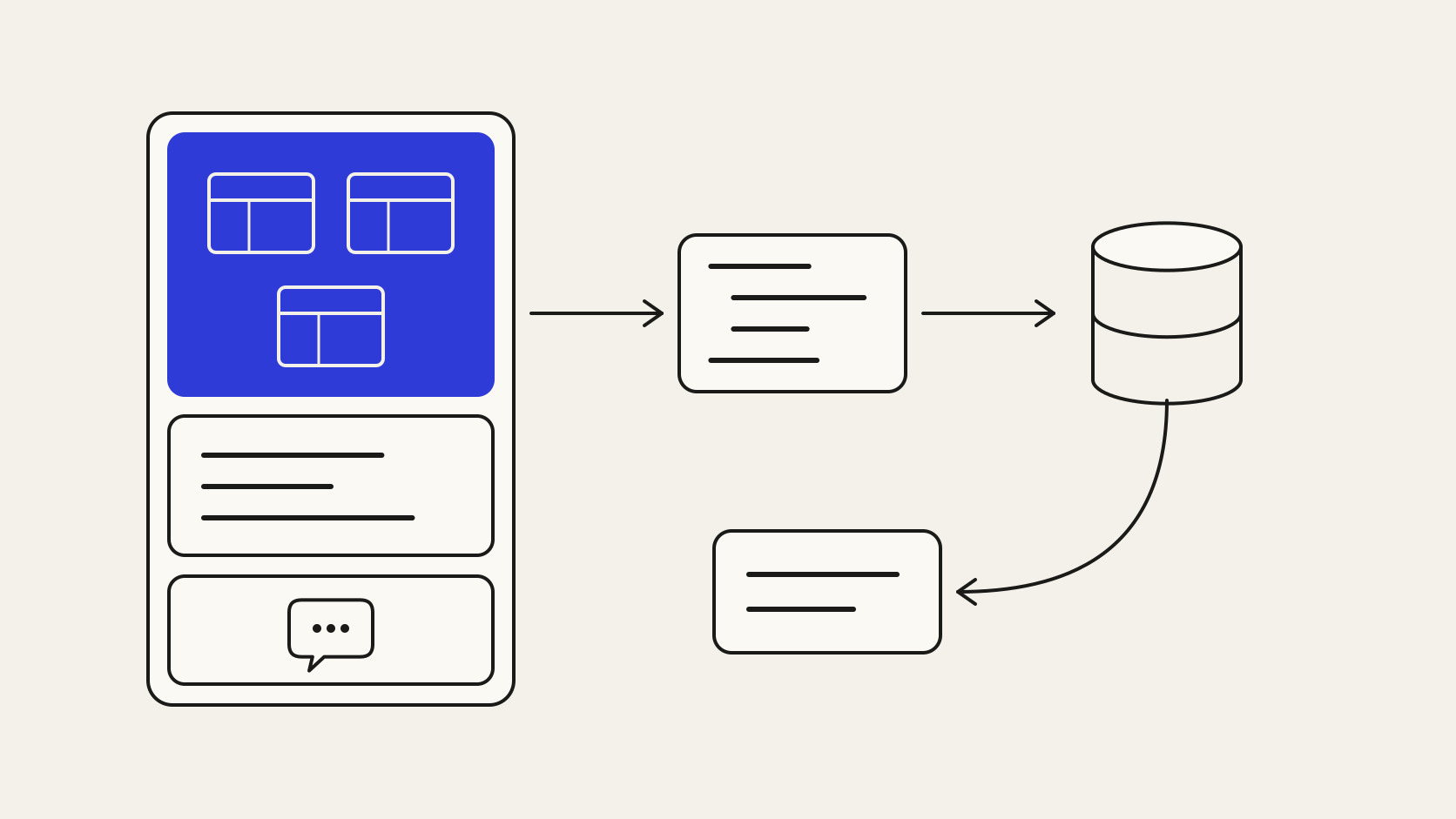
The favourable scenario has two conditions. The database has tables and columns with clear names, documented keys and few implicit rules. The person asking can read the generated query and recognises an odd result.
An analyst who needs an ad hoc cut of a well-designed data mart saves real time. The query comes out in seconds, she reviews the join, adjusts a filter and moves on. In this use, text-to-SQL speeds up people who already know SQL.
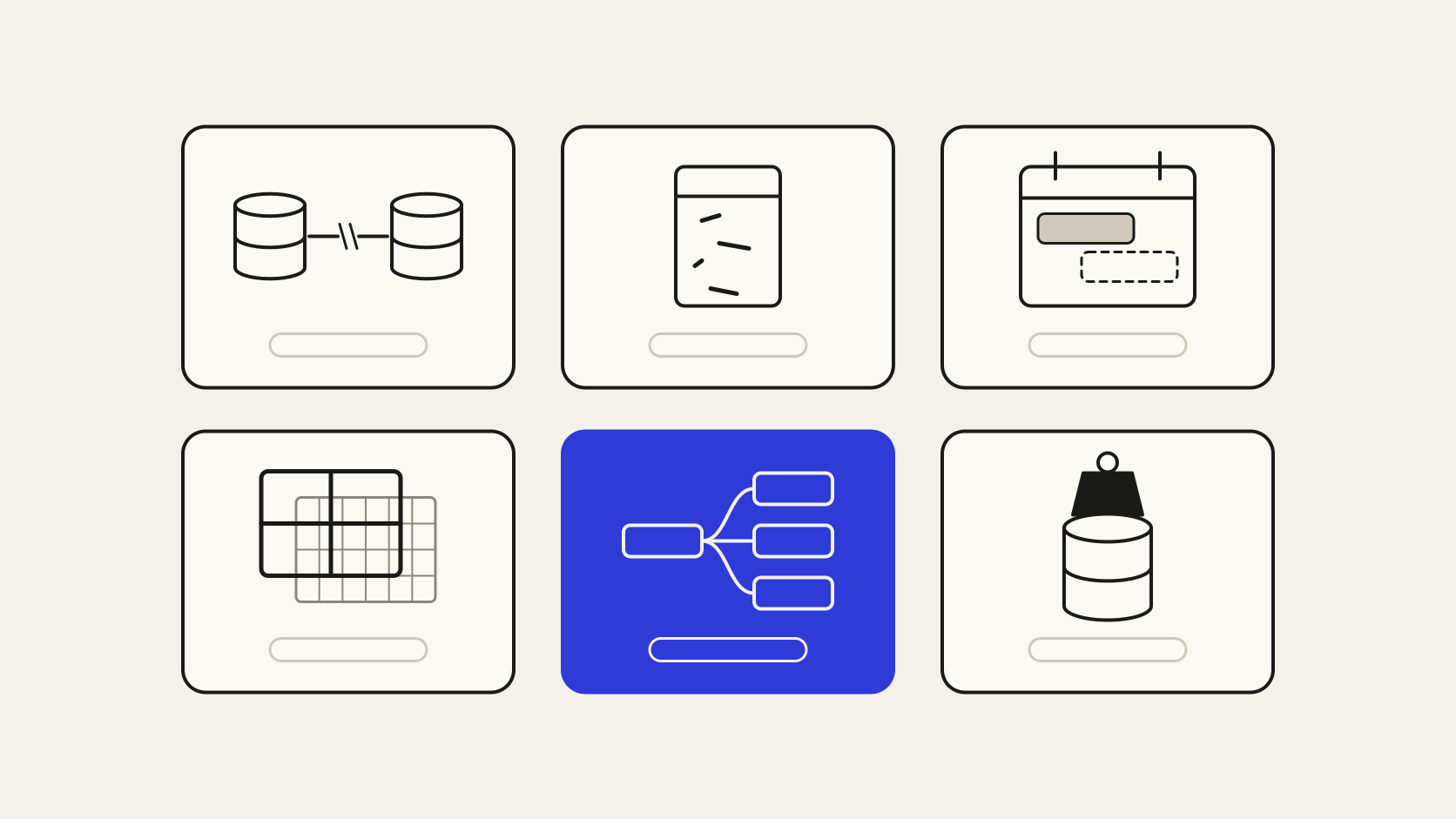
The scenario changes when the question comes from someone who does not read SQL and the database reflects years of operation. The most frequent errors do not produce an error message. They return a number:
In these cases, the rule that decides the right answer lies outside the schema. It lives in the finance team's habits or in a reconciliation spreadsheet. Text-to-SQL picks the most likely interpretation, the query looks right to anyone who does not know the operation, and the number goes into the report with no warning.
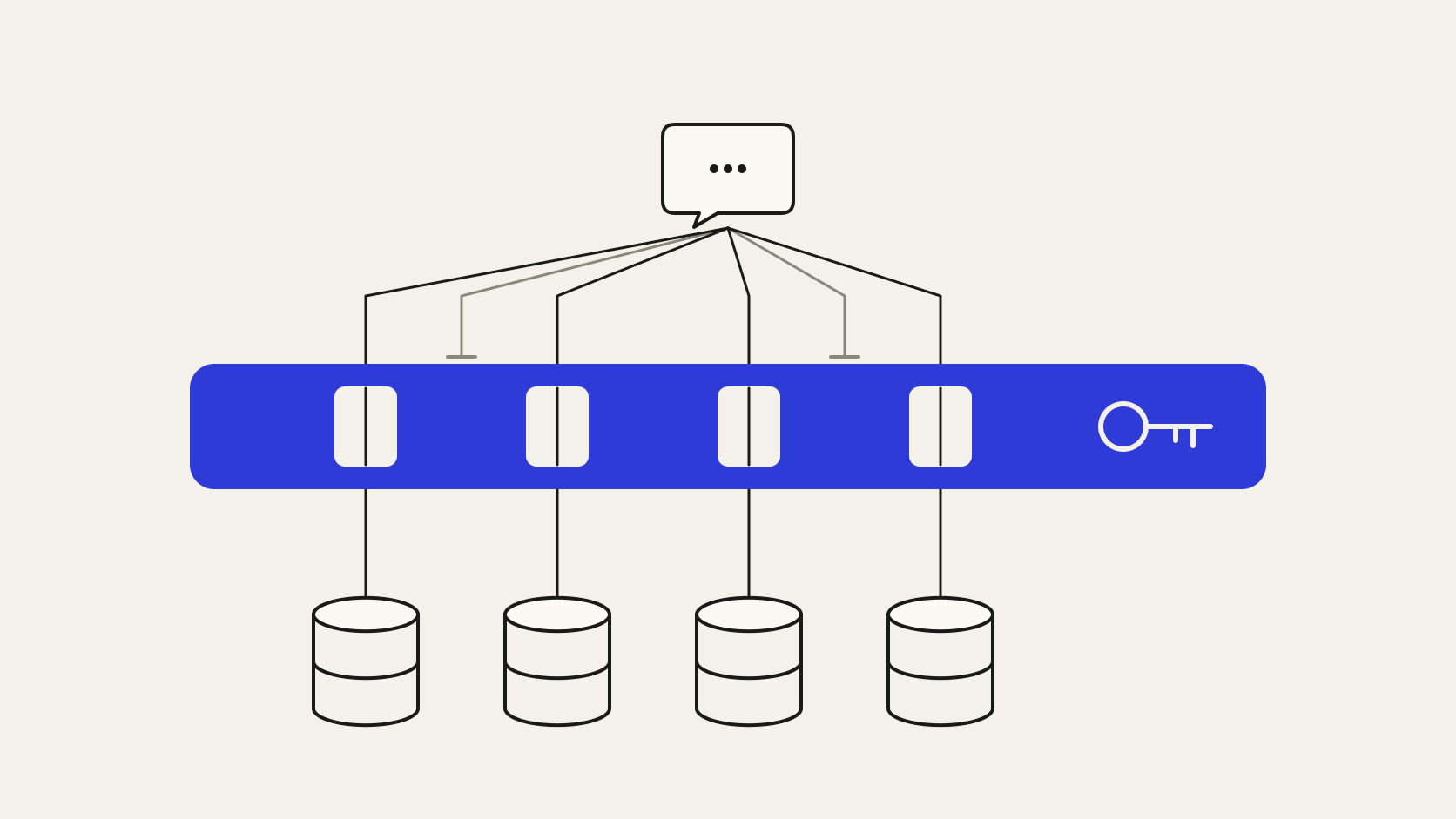
Many text-to-SQL pilots connect the model to the database with a broad-access service credential. A query generated for one salesperson can then read another's accounts or the commissions table, because the database sees the service credential and ignores the person.
There is also the risk of injection. Text inserted into the question, or stored in a data field that goes into the prompt, can lead the model to generate write commands or queries against sensitive tables. A read-only user, an allowlist of tables and an execution time limit reduce the damage. Per-person permissions remain unsolved in this design.
To get it right, the model needs the schema, examples and notes on columns. In an ERP with hundreds of tables, this material takes up a large part of the prompt and is sent again with every question. Table selection techniques reduce the volume and add a step that can also go wrong.
The cost per answer grows with the number of systems included. In an attempt to reduce errors, teams move to larger models, and the cost grows again.
The Company Brain semantic layer records metrics and entities with a definition, an owning team and named sources. The business ontology defines which date counts for the month's sales and which field is the net amount. The knowledge graph resolves how the regional target connects to the salesperson's sale.
The model receives this vocabulary via MCP, instead of the raw schema. The generated SQL is restricted to the approved metrics and entities, and the query runs with the permissions inherited from the source system. The prompt shrinks, the task fits a lower-cost model and every result points to the definition and source it used.
The semantic layer covers what has been defined. A question outside the approved vocabulary has to be declined or passed to a person, and the definitions need maintenance by the teams that own the data. For analysts' exploratory questions, free text-to-SQL over the schema is still useful, as long as the query is reviewed before the number circulates.
The first practical step is to pick out the questions that reach the data team every week, record the correct answer to each one and turn the metrics involved into the first definitions. That set then measures every change of model, prompt or source.